

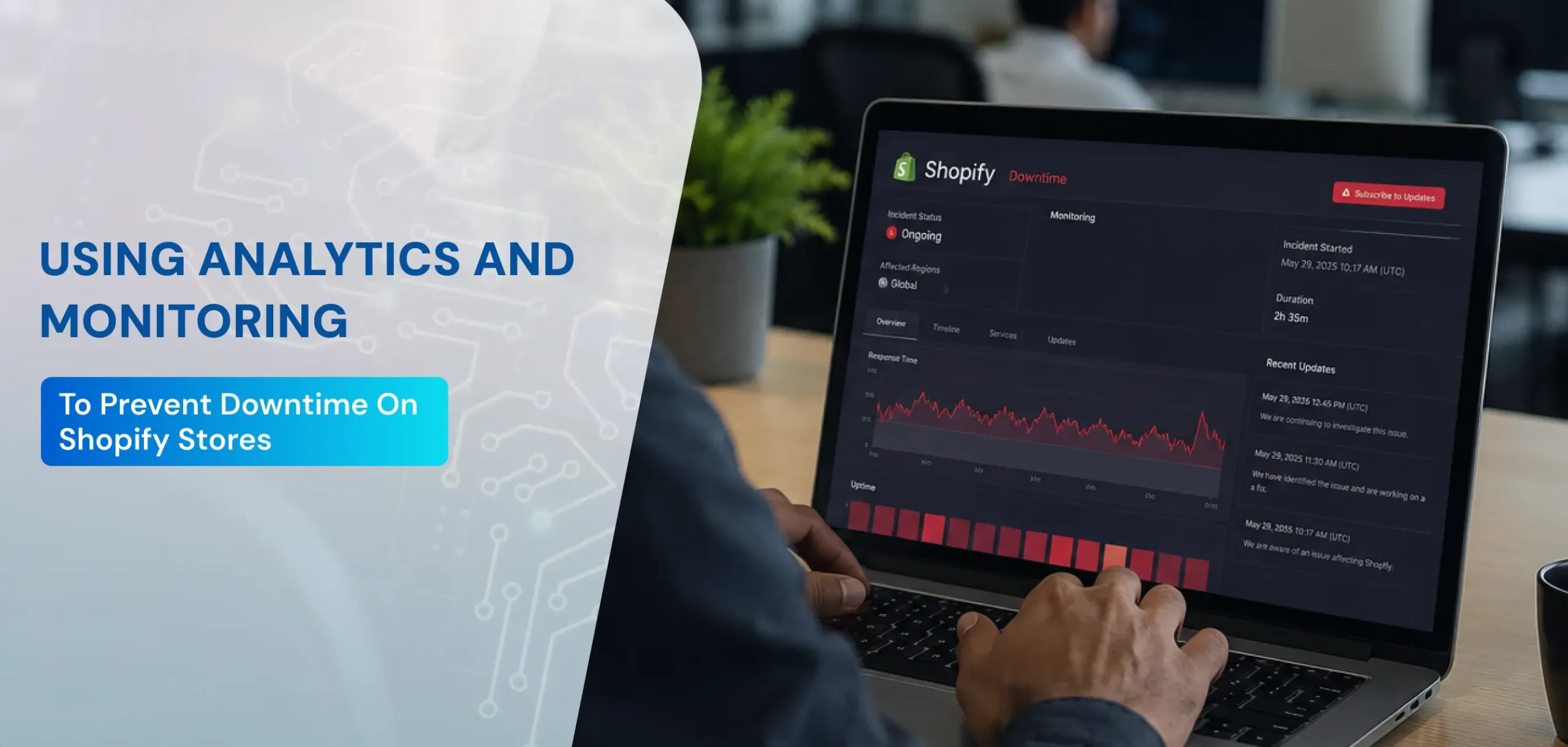
For e-commerce businesses, uptime is critical. Even a few minutes of downtime can result in lost revenue, frustrated customers, and diminished brand trust. Shopify store owners often invest heavily in design, marketing, and product inventory, but without proper monitoring and analytics, their stores can still suffer from unexpected outages. In 2025, leveraging analytics and monitoring tools to prevent downtime is one of the most effective ways to ensure business continuity and maintain customer confidence.
In this blog, we explore how Shopify store owners can use data analytics and proactive monitoring to minimize downtime, detect performance issues early, and optimize the overall user experience.
Why Monitoring and Analytics Matter for Shopify Stores
Downtime can occur due to various reasons: server issues, traffic spikes, app conflicts, plugin errors, or even DDoS attacks. According to industry reports, e-commerce sites lose approximately $5,600 per minute of downtime on average. For Shopify businesses, even short disruptions can hurt sales, impact SEO, and damage customer loyalty.
By integrating analytics and monitoring solutions, store owners can:
- Identify performance bottlenecks before they escalate
- Track real-time traffic and server performance
- Detect unusual patterns that may indicate security threats or app conflicts
- Maintain an uninterrupted shopping experience
In essence, data-driven monitoring allows Shopify stores to move from reactive troubleshooting to proactive management.
Key Analytics Metrics to Track
Analytics play a crucial role in identifying potential issues before they affect users. Some important metrics Shopify store owners should monitor include:
1. Site Traffic and Load Patterns
Understanding traffic flow helps predict periods of high demand that may strain servers:
- Track peak hours and days for traffic surges
- Analyze page load times during high-traffic periods
- Use predictive analytics to prepare server resources
Monitoring these trends ensures your store remains responsive even during sales, product launches, or holiday promotions.
2. Page Load Speed and Performance
Slow-loading pages are a common cause of downtime or poor user experience:
- Monitor loading times for homepage, product pages, and checkout
- Track mobile vs. desktop performance separately
- Use alerts for sudden performance drops
Tools like Google PageSpeed Insights, GTmetrix, and Shopify’s built-in performance analytics can help store owners spot issues proactively.
3. Server and App Health
Apps and third-party integrations can sometimes cause conflicts, leading to downtime:
- Track server response times and uptime consistently
- Monitor app performance and error logs
- Identify apps or scripts that slow down pages or cause crashes
Proactive app monitoring prevents unexpected disruptions and ensures smooth operation.
4. Checkout and Conversion Metrics
Even minor downtime or errors during checkout can result in abandoned carts:
- Track failed transactions and payment errors
- Monitor bounce rates on checkout and cart pages
- Identify trends that indicate potential downtime or UX issues
By analyzing checkout metrics, store owners can detect disruptions early and take corrective measures.
Tools for Monitoring Shopify Store Performance
Modern e-commerce relies heavily on automation and intelligent monitoring. Here are some tools that help Shopify stores prevent downtime and optimize performance:
- Shopify Analytics – Built-in reports provide insights into sales, traffic, and page performance.
- Google Analytics & GA4 – Track real-time traffic, user behavior, and site performance.
- Pingdom and UptimeRobot – Monitor uptime and receive instant alerts for outages.
- New Relic – Offers server monitoring and app performance tracking.
- GTmetrix and Lighthouse – Evaluate page load speeds and optimization opportunities.
These tools enable continuous monitoring and provide actionable insights to maintain a stable and fast Shopify store.
Setting Up Proactive Alerts
One of the most effective ways to prevent downtime is to receive real-time alerts when issues occur.
- Set up email or SMS notifications for server failures, app crashes, or unusual traffic spikes
- Configure alerts for slow-loading pages or checkout errors
- Monitor backend performance metrics to detect anomalies before customers notice
Proactive alert systems reduce response time and minimize revenue loss during disruptions.
Benefits of Using Analytics and Monitoring
Implementing a robust monitoring strategy offers several advantages for Shopify store owners:
- Reduced Downtime – Identify and fix issues before they affect the user experience.
- Improved Conversion Rates – Faster and more reliable stores reduce cart abandonment.
- Enhanced Customer Trust – Consistently operational stores improve brand reputation.
- Actionable Insights – Analytics reveal performance trends and optimization opportunities.
- Cost Efficiency – Preventing downtime is often cheaper than dealing with lost revenue and technical fixes after the fact.
Best Practices for Preventing Shopify Downtime
Here are some actionable strategies to ensure your Shopify store remains up and running:
1. Regularly Audit Apps and Integrations
- Remove unused or outdated apps
- Test new apps in a staging environment before deployment
- Monitor app performance metrics continuously
2. Optimize Images and Scripts
- Compress images to improve page load speeds
- Minimize heavy scripts and third-party code
- Use lazy loading to enhance user experience
3. Implement AI-Powered Monitoring
AI-driven tools can detect anomalies in traffic patterns, app behavior, or server performance, automatically alerting you to potential downtime threats.
4. Maintain Redundant Backups
- Schedule automated backups of your Shopify store
- Ensure backups are accessible and tested regularly
- Restore quickly if issues arise to minimize downtime
5. Monitor Traffic and Plan for Scalability
- Use analytics to forecast peak demand periods
- Optimize server resources for anticipated traffic surges
- Consider Shopify Plus or scalable hosting solutions for high-traffic stores
Case Study: Preventing Downtime with Analytics
A mid-sized Shopify fashion retailer implemented real-time monitoring and predictive analytics. Prior to the system, the store occasionally experienced slow-loading pages during flash sales, leading to abandoned carts. After integrating analytics and monitoring:
- Page load times improved by 35%
- Cart abandonment decreased by 20%
- Downtime incidents dropped to near zero
- Customer satisfaction and repeat purchases increased
This demonstrates the tangible benefits of combining analytics with proactive monitoring for Shopify stores.
Future Trends in Shopify Monitoring
Looking ahead, store owners should consider emerging trends:
- AI and Machine Learning – Predict potential downtime before it occurs
- Mobile Performance Monitoring – Ensure apps and mobile-optimized pages remain fast
- Integrated Alerts Across Platforms – Unified dashboards for website, app, and server metrics
- Self-Healing Systems – AI detects and fixes minor disruptions automatically
Keeping up with these trends ensures Shopify stores stay reliable, competitive, and customer-friendly in 2025 and beyond.
Preventing downtime on Shopify stores is critical to maintaining revenue, customer trust, and SEO performance. By leveraging analytics and monitoring tools, store owners can detect performance bottlenecks, prevent failures, and optimize user experience proactively.
Key steps include tracking traffic and performance metrics, monitoring apps and integrations, setting up real-time alerts, maintaining backups, and adopting AI-powered monitoring solutions. A data-driven approach ensures your Shopify store remains fast, reliable, and ready to handle high traffic periods or unexpected challenges.
For professional assistance in setting up Shopify monitoring, analytics, and proactive maintenance, contact Gradient Eye Technologies. Our team specializes in website development, Shopify optimization, and e-commerce performance management, helping stores maximize uptime and customer satisfaction.